Graphic Design | Motion Design

LITTLE PIGGY LOVES SUMMER
This is an open project that gives us – designers creative freedom in developing our design concept. The goal is to generate ideas and themes for a short film, lasting 10 to 30 seconds. The design process is structured into 4 key-phases:
- Concept Development: Brainstorming ideas, defining the message, and establishing the theme. Develop a concept, references and rough sketches for the course project.
- Storyboarding: Visualizing the sequence of scenes and how the story will unfold. Create beautiful illustrations for the course project.
- Design Execution: Creating and refining the visuals, animations, and overall aesthetic. Expand to a full storyboard and illustrate the project.
- Finalization: Editing, adding sound, and ensuring a polished final product.
1. Concept Development
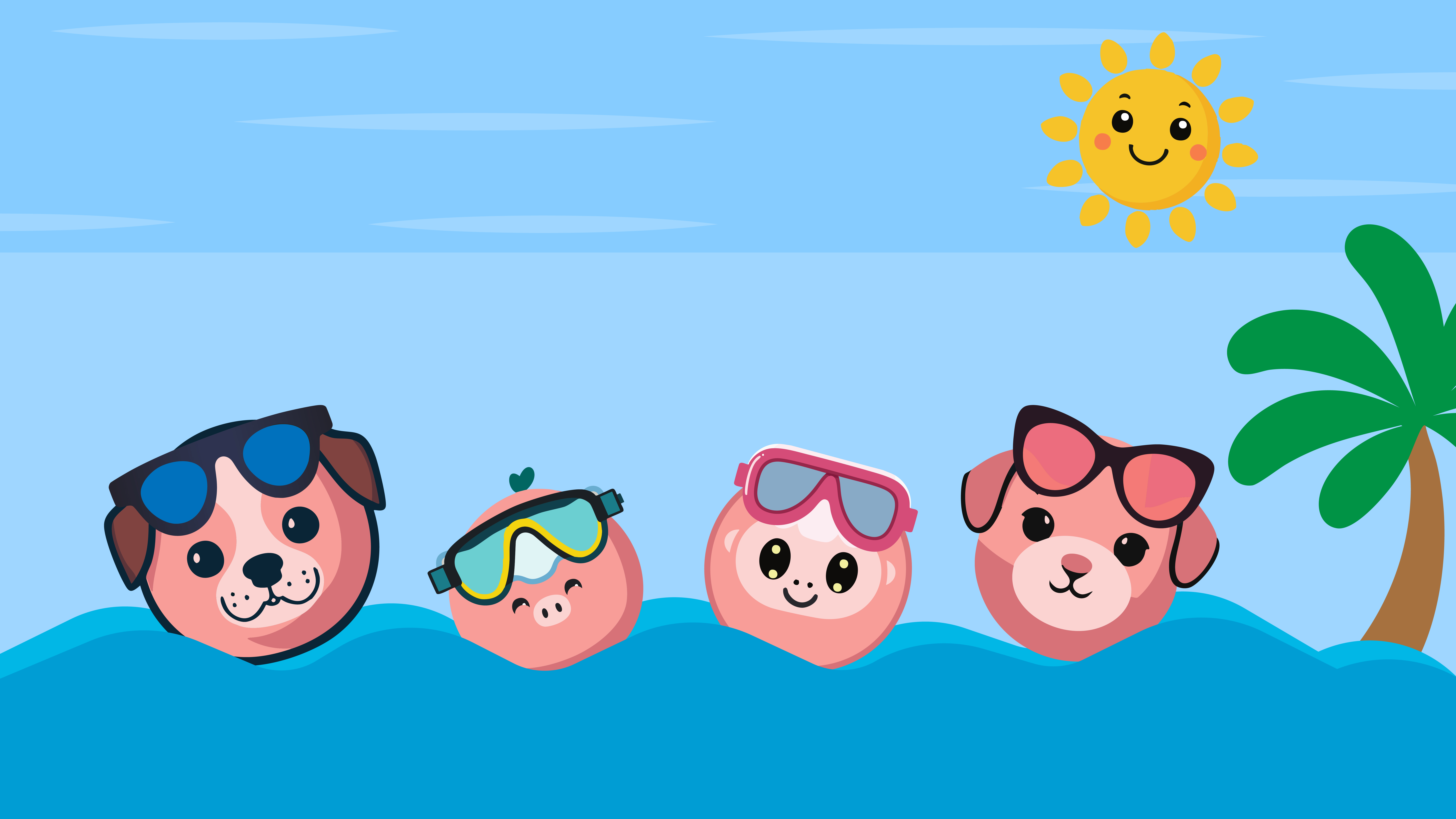
The concept follows simple 2D cartoon style with a bright, basic color palette, designed to make young children laugh and feel cheerful.
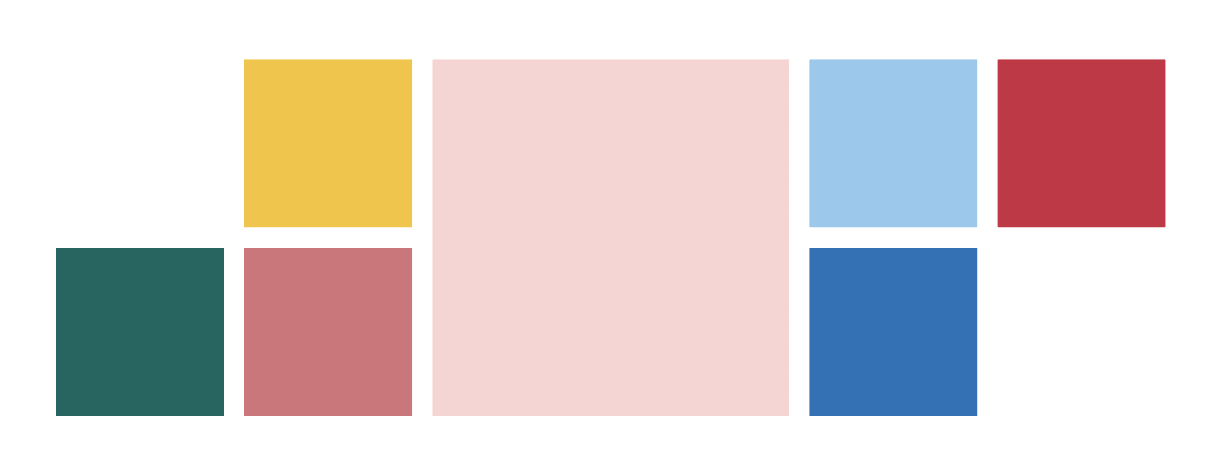
Brainstorming ideas, defining the message, and establishing the theme. Develop a concept, references and rough sketches for the course project. The idea and concept stem from my family’s upcoming summer vacation, with the kids being excited all day, eagerly anticipating the trip. I wanted to create something fun for them.
And the main character of this short-film names little piggy, he does love summer, he was really excited to travel with his family on this summer.
2. Storyboarding
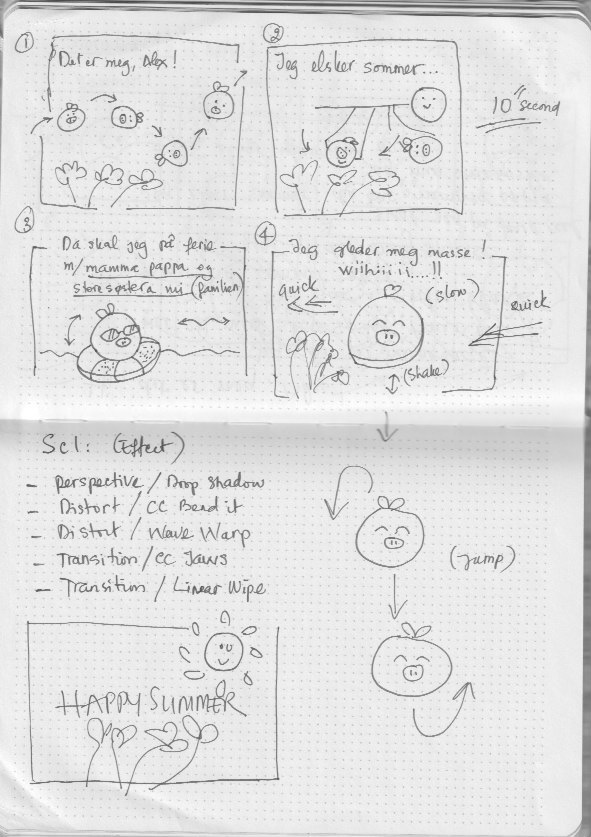
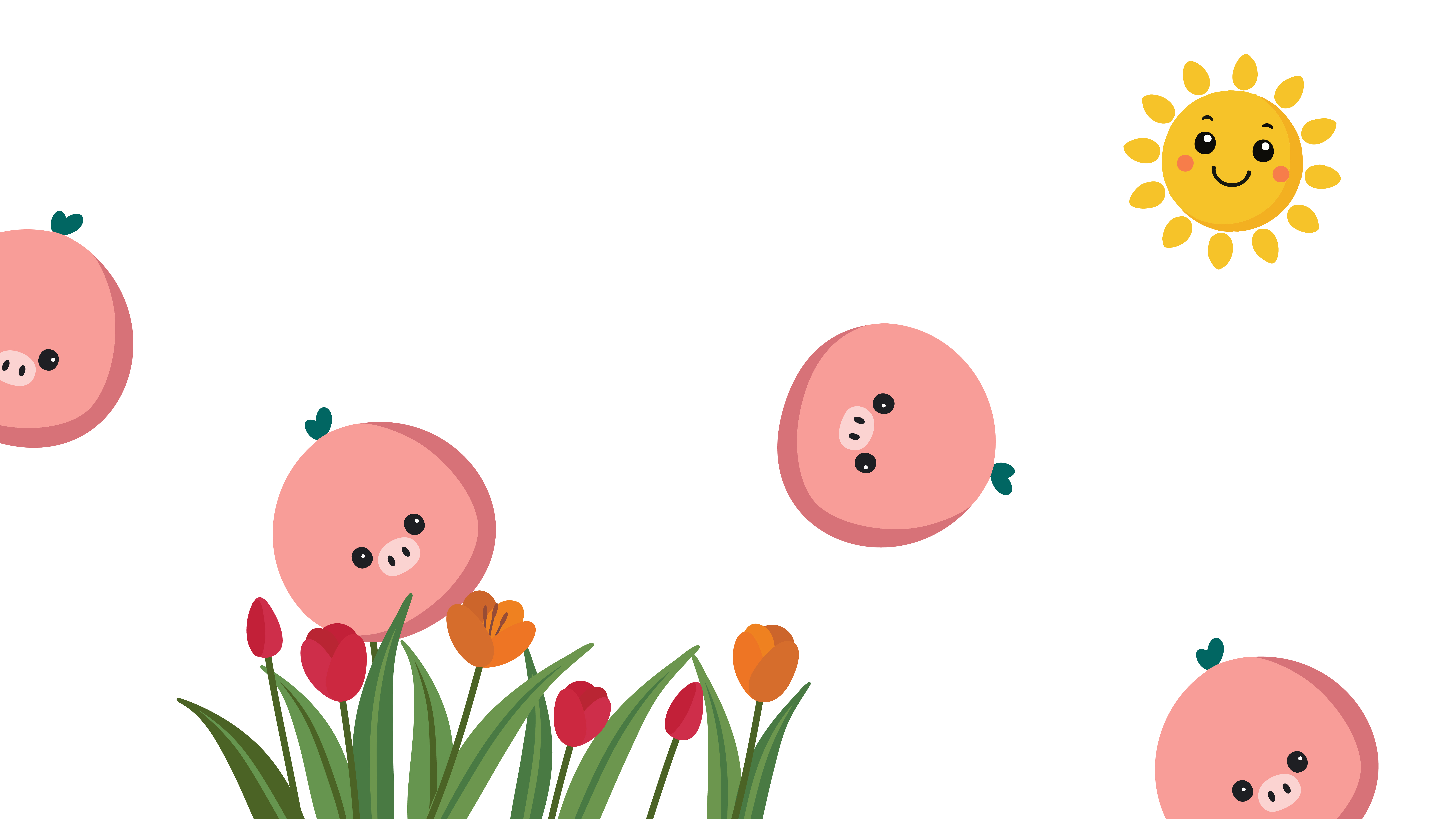
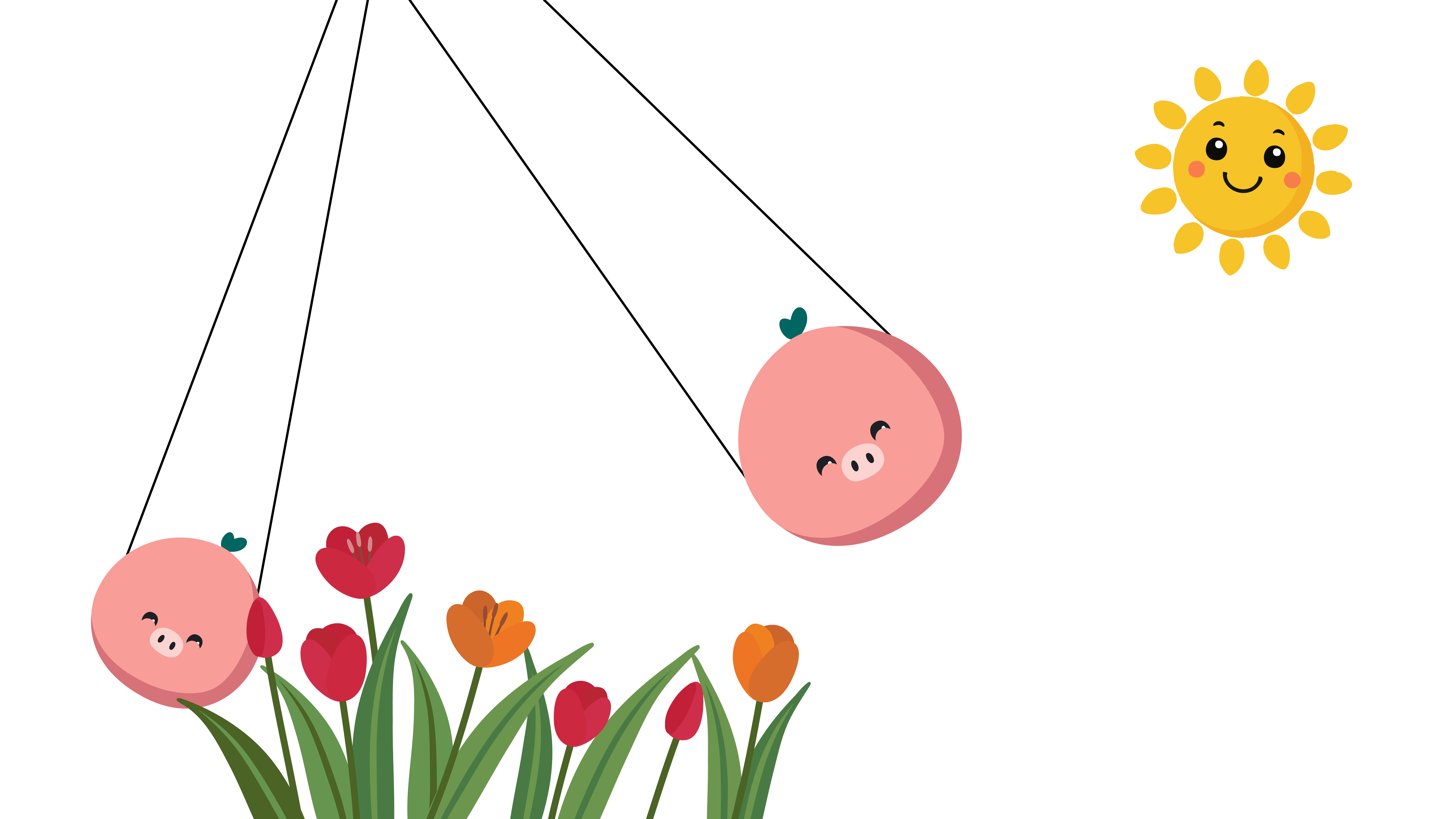
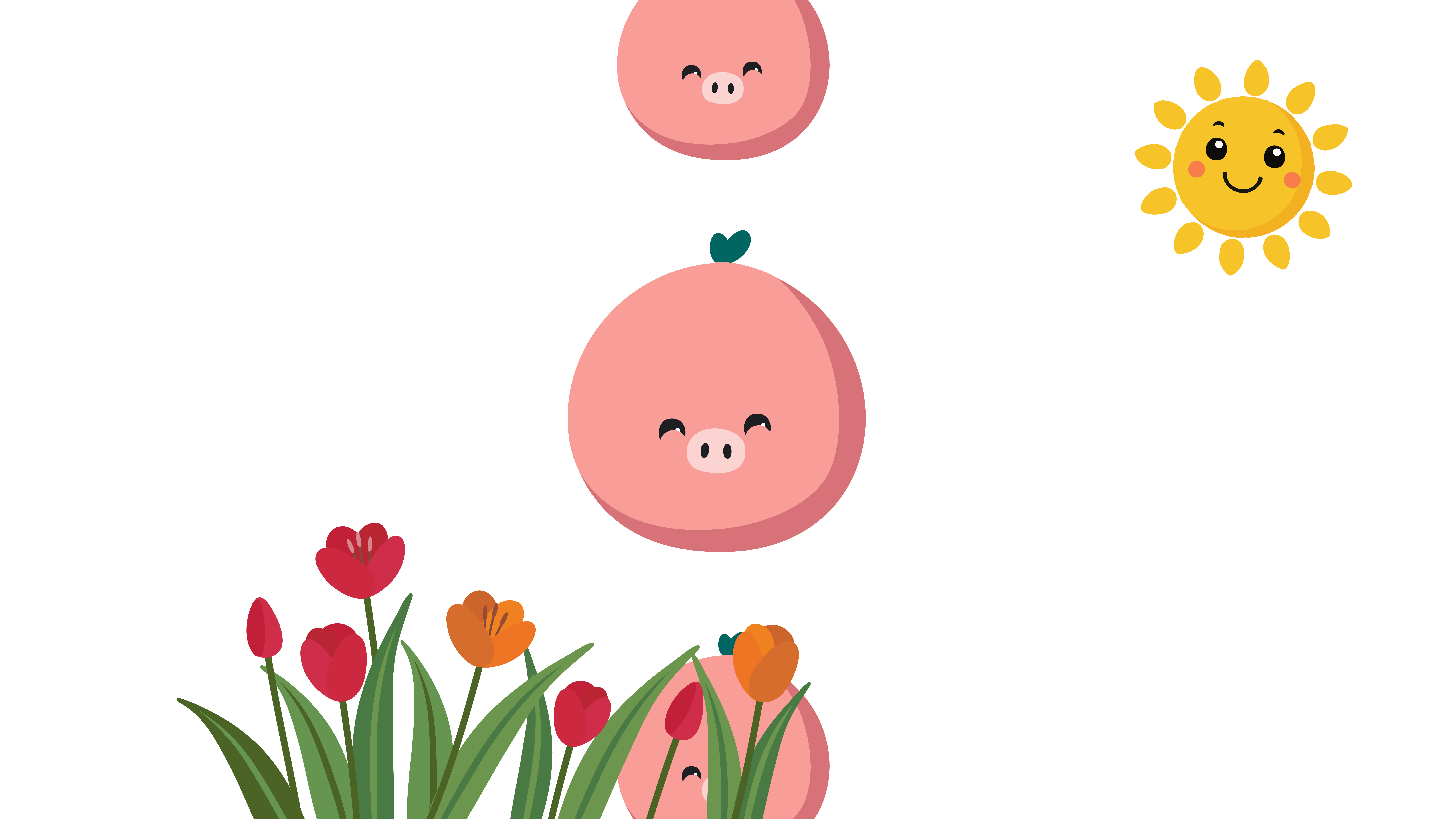
From here, we can visualizing the sequence of scenes and how the story will unfold. Create beautiful illustrations for the course project.
3. Design Execution
This stage is about created and refined the visuals, animations, and overall aesthetic. Created each stage based on storyboard, then expands into full storyboard and illustrations for the project.
4. Finalization
The animation concept follows simple 2D cartoon style with a bright, basic color palette, designed to make young children laugh and feel cheerful. The text is playful and easy to read, matching the fun tone of the concept.
After researching and finding the perfect soundtrack, I decided to have my son do the voiceover. He did an amazing job, even after repeating it hundreds of times. It was a fun experience for him, and he felt proud of his contribution. The kids also provided feedback, which helped make the video more lively and appealing to their age group.
The effects I used for this project in After Effects are:
- Perspective/ Drop shadow
- Distort/ CC Bend it
- Distort/ Wave warp
- Transition/ CC Jaws
- Transition/ Linear Wipe
 AMA DEZIGN