
1. SIMPLE COMPOSITE
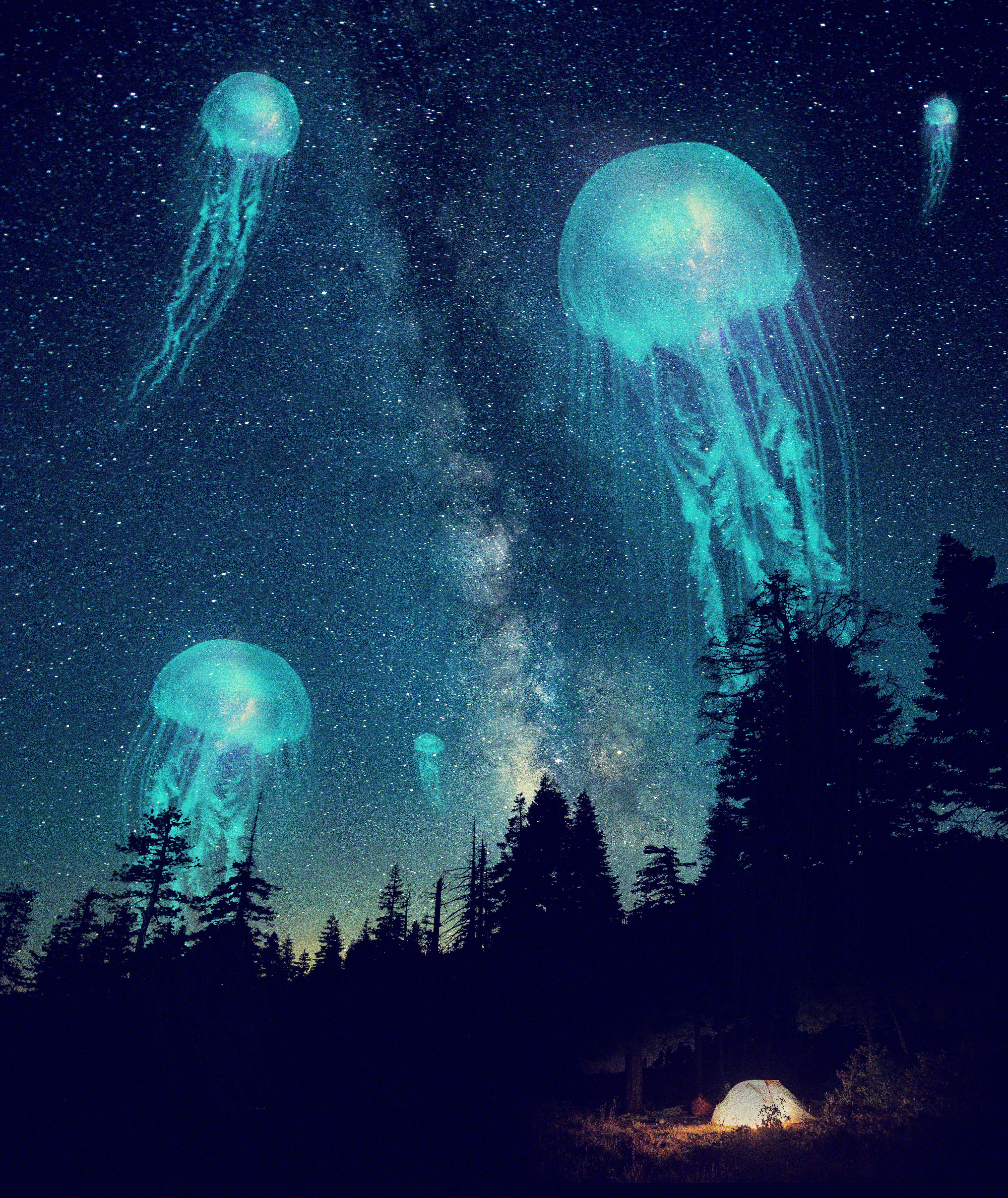
Following the tutorial “How to create a simple composite in Photoshop”, learn how to combine multiple images with Blending Modes and Layer Masks and create a composite with creative colour toning and grain. And here is my work:
2. EMPATHY IN ADVERT
Part 2.1: “Empathy is feeling with people” (Dr. Brené Brown). Here are two examples that I found where empathy has made an advert effective in reaching the correct audience.
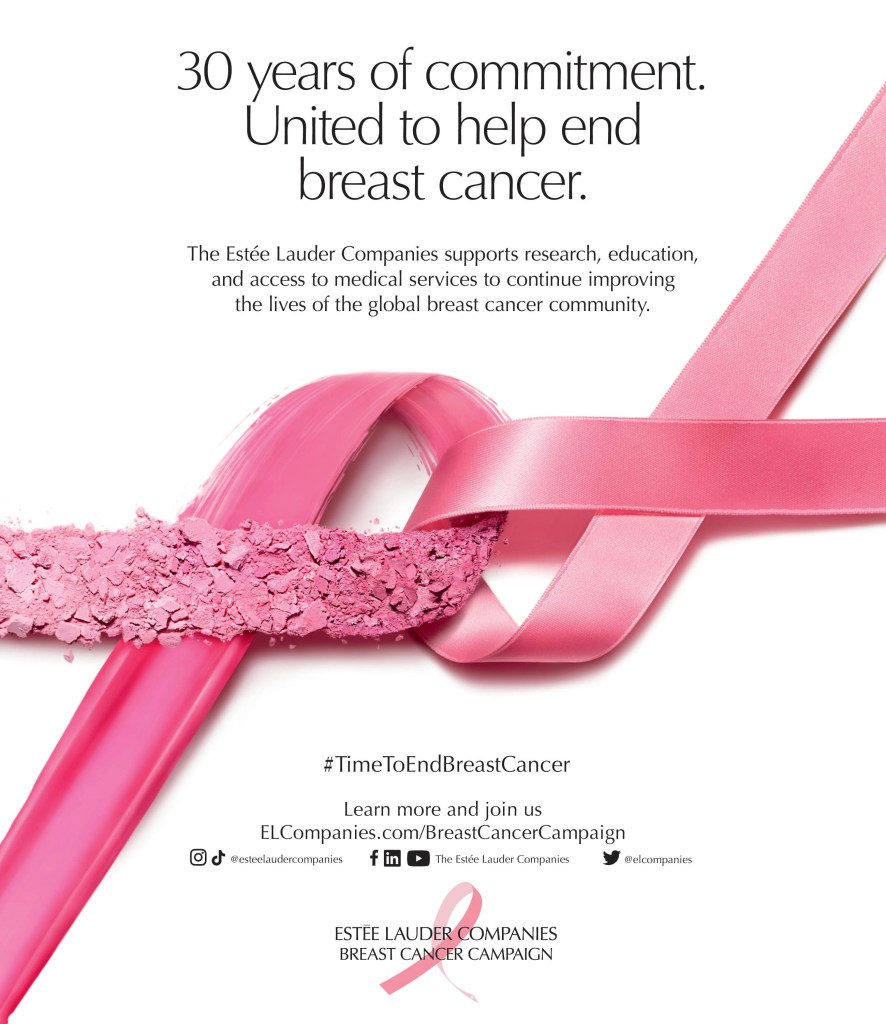
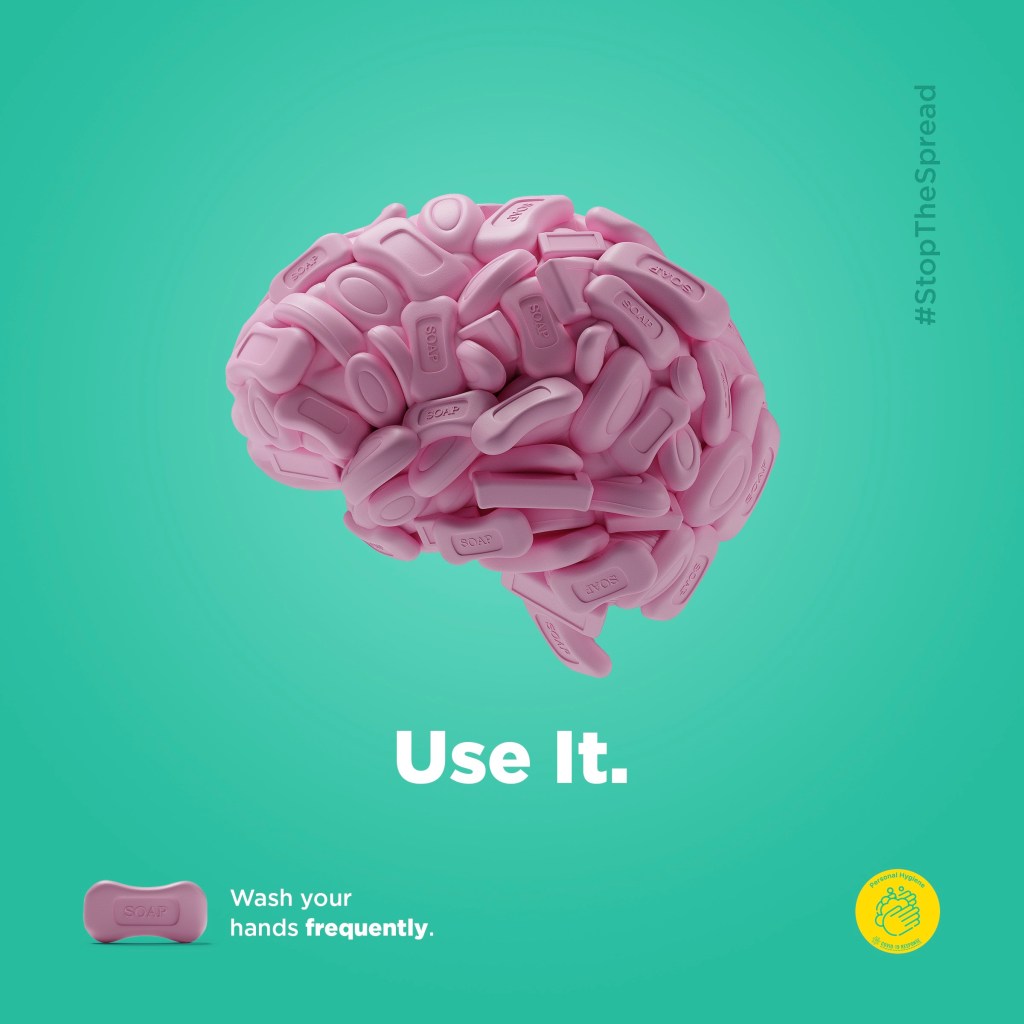
This is a campaign to raise awareness in washing hands with soap frequently to prevent the disease from spreading in the community with the meaningful slogan “StopTheSpread”, especially since the Covid19 pandemic.
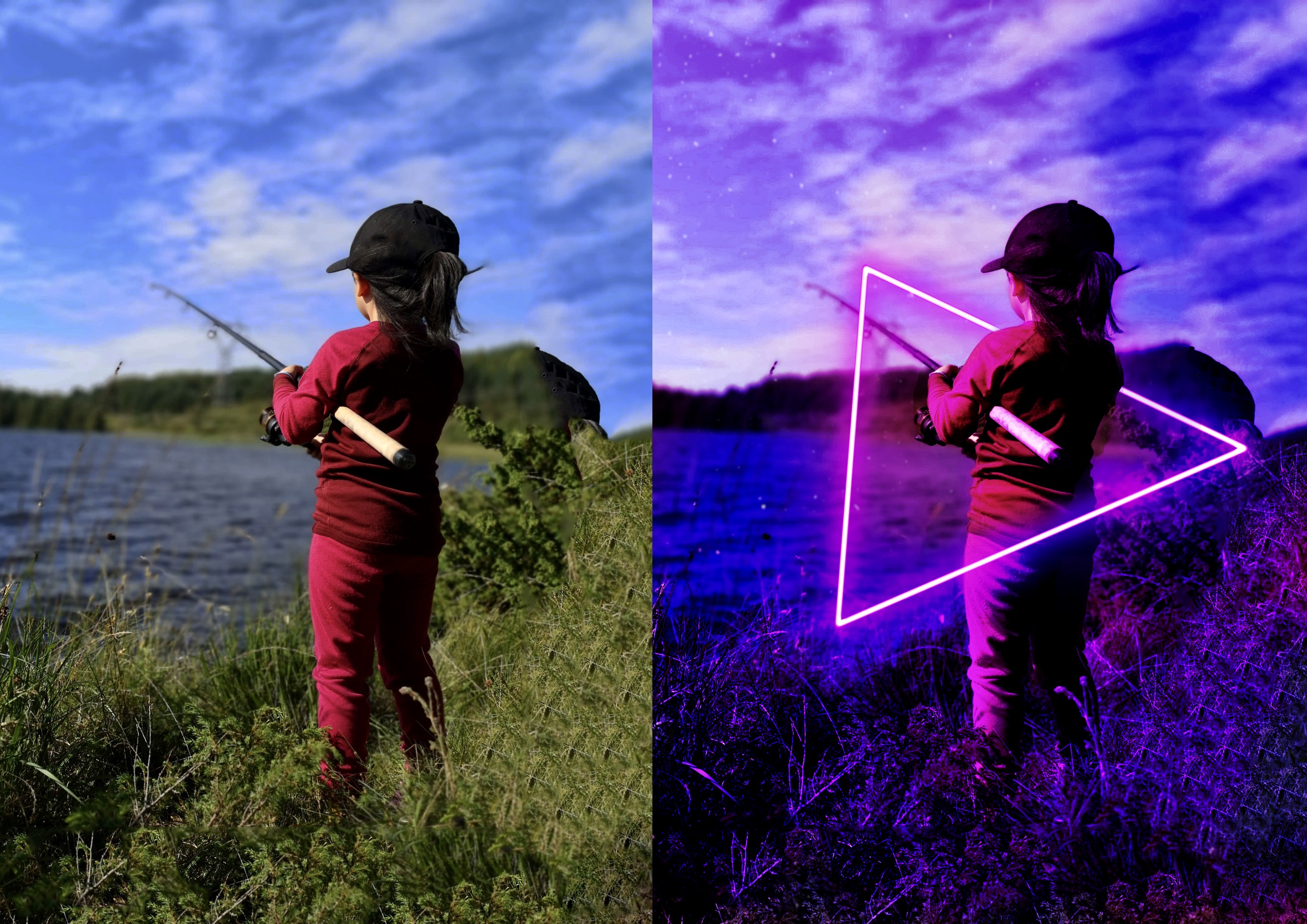
Part 2.2: Following the lesson task is about creating a vibrant visual effect by playing with a neon light effect. The photo was taken by my husband (our daughter). And here is my work:
3. THE ELEMENTS OF LINE, SHAPE, FORM, TEXTURE & BALANCE
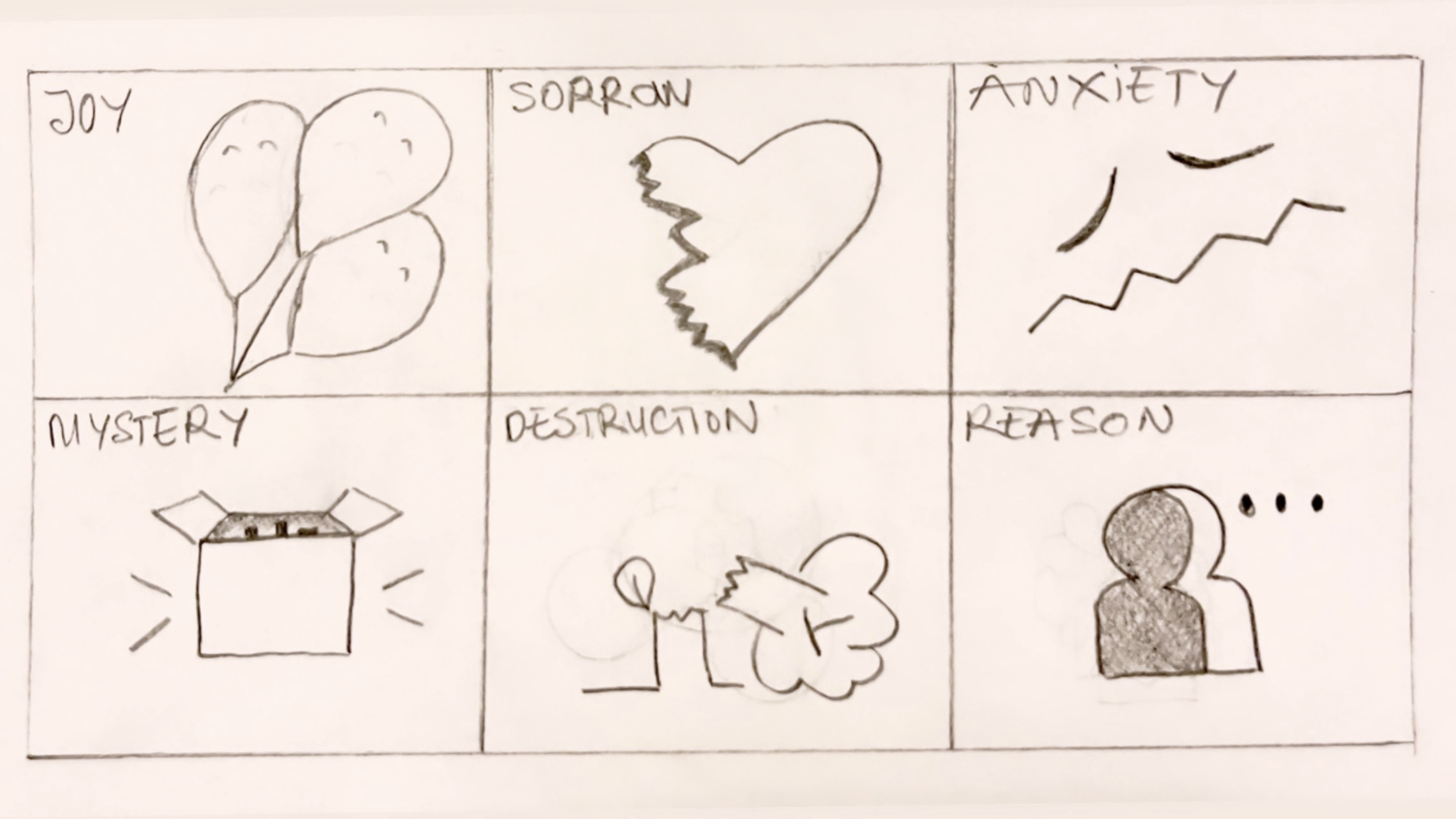
Part 3.1: After several times to sketch and re-sketching. Here is my work that making abstract depictions of the following terms: joy, sorrow, anxiety, mystery, destruction, and reason.
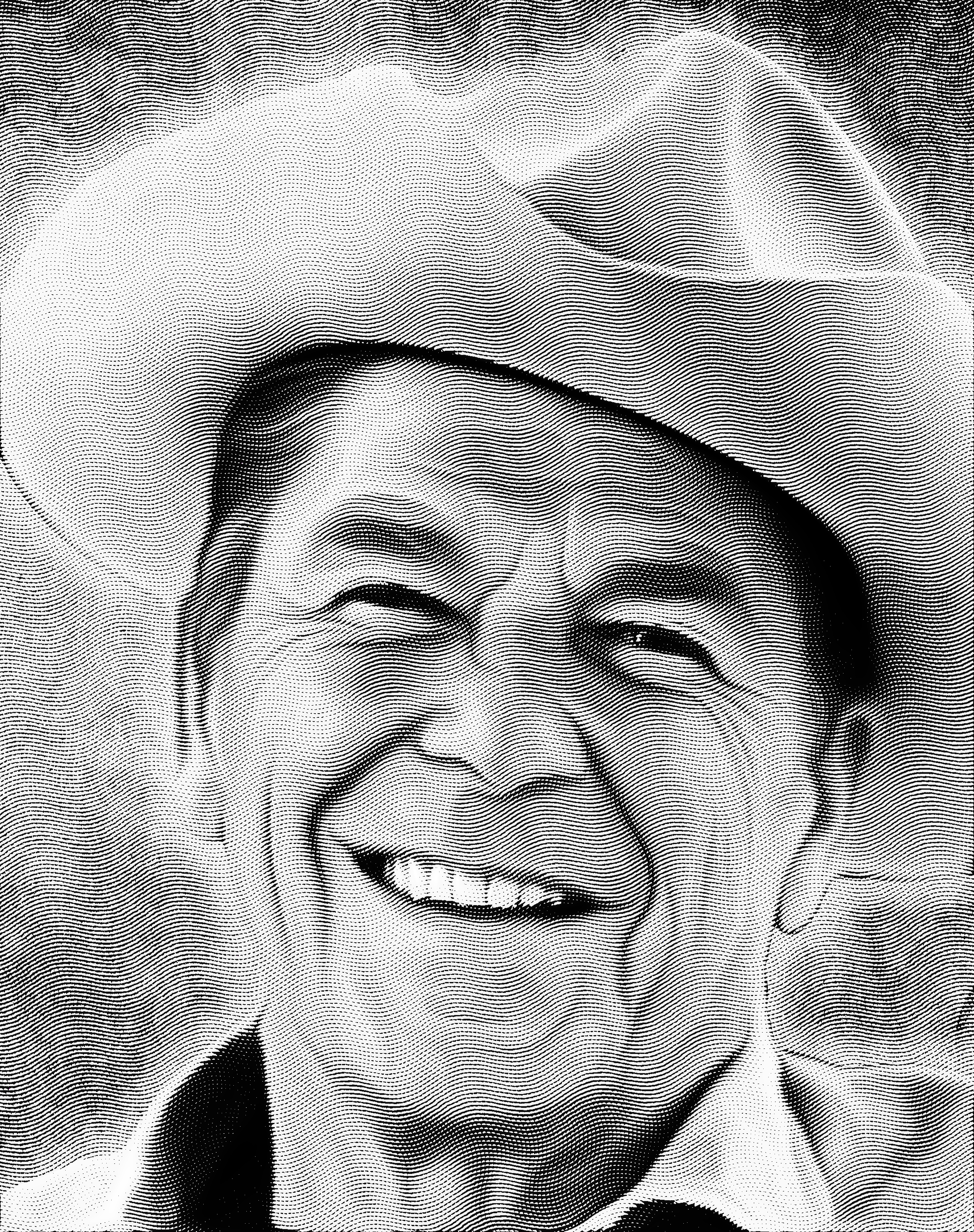
Part 3.2: The next task is how to cut the background of the image and creating an engraved texture in Photoshop to add interest to photos and graphics. And here is my work. The photo is from pexels.com.
4. GESTALT PRINCIPLES
Part 4.1: Below are examples of how Gestalt principles (proximity, similarity, figure-ground, continuity, closure, etc.) are used in design to simplify a message and make it universally comprehendible: a simple image tells a complex story.
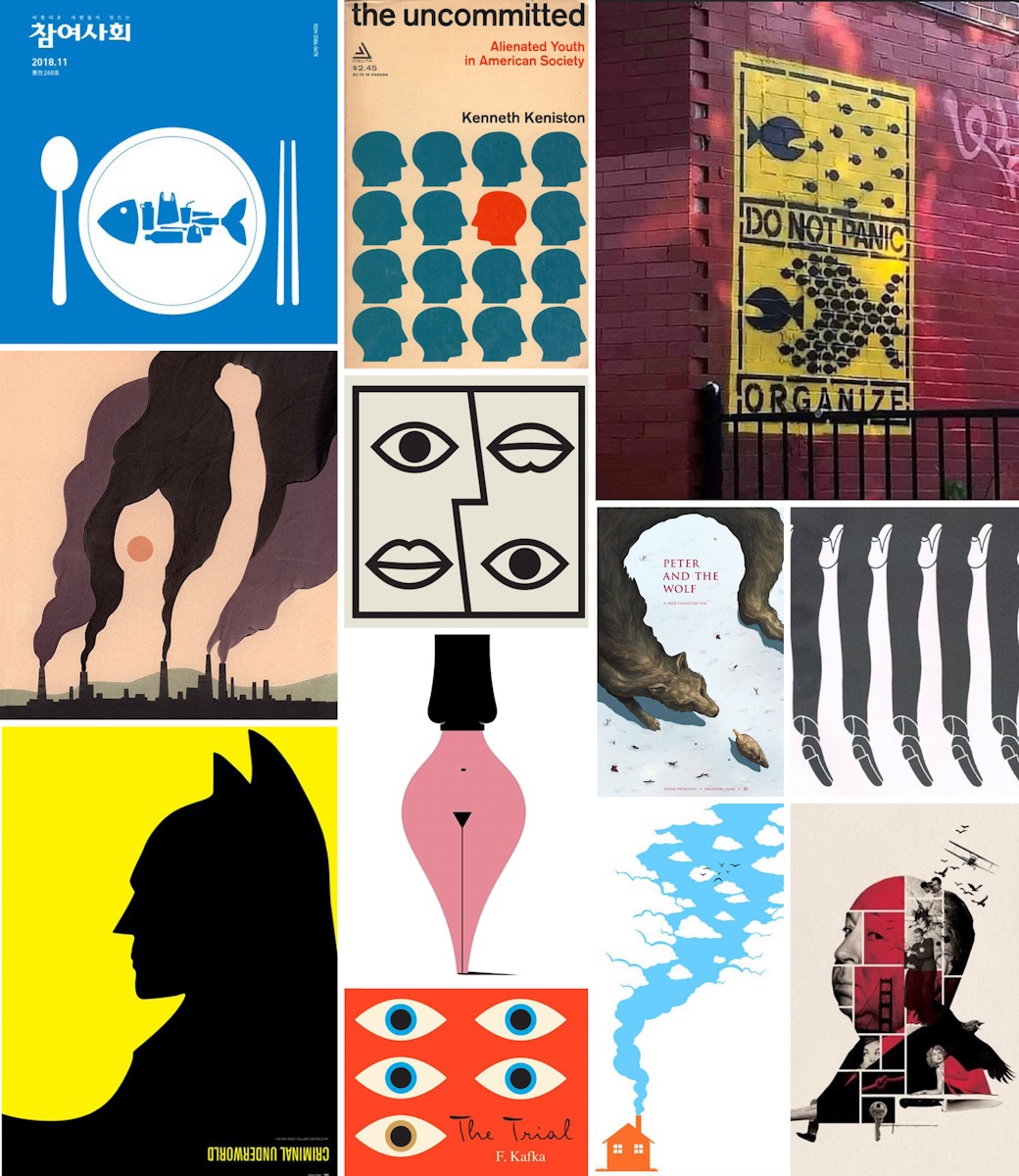
[1]. Law of proximity (fish on plate). [2]. Law of similarity (heads). [3]. Law of common fate & law of proximity (fish chasing). [4]. Figure-ground (smoke & person). [5]. Law of symmetry (eyes & lips). [6]. Figure-ground (Peter and the wolf). [7]. Figure-ground & law of symmetry (legs). [8]. Figure-ground (batman). [9]. Figure-ground & law of symmetry (woman/pen). [10]. Law of similarity (eyes). [11]. Figure-ground (house & smoke). [12]. Pragnänz (man)
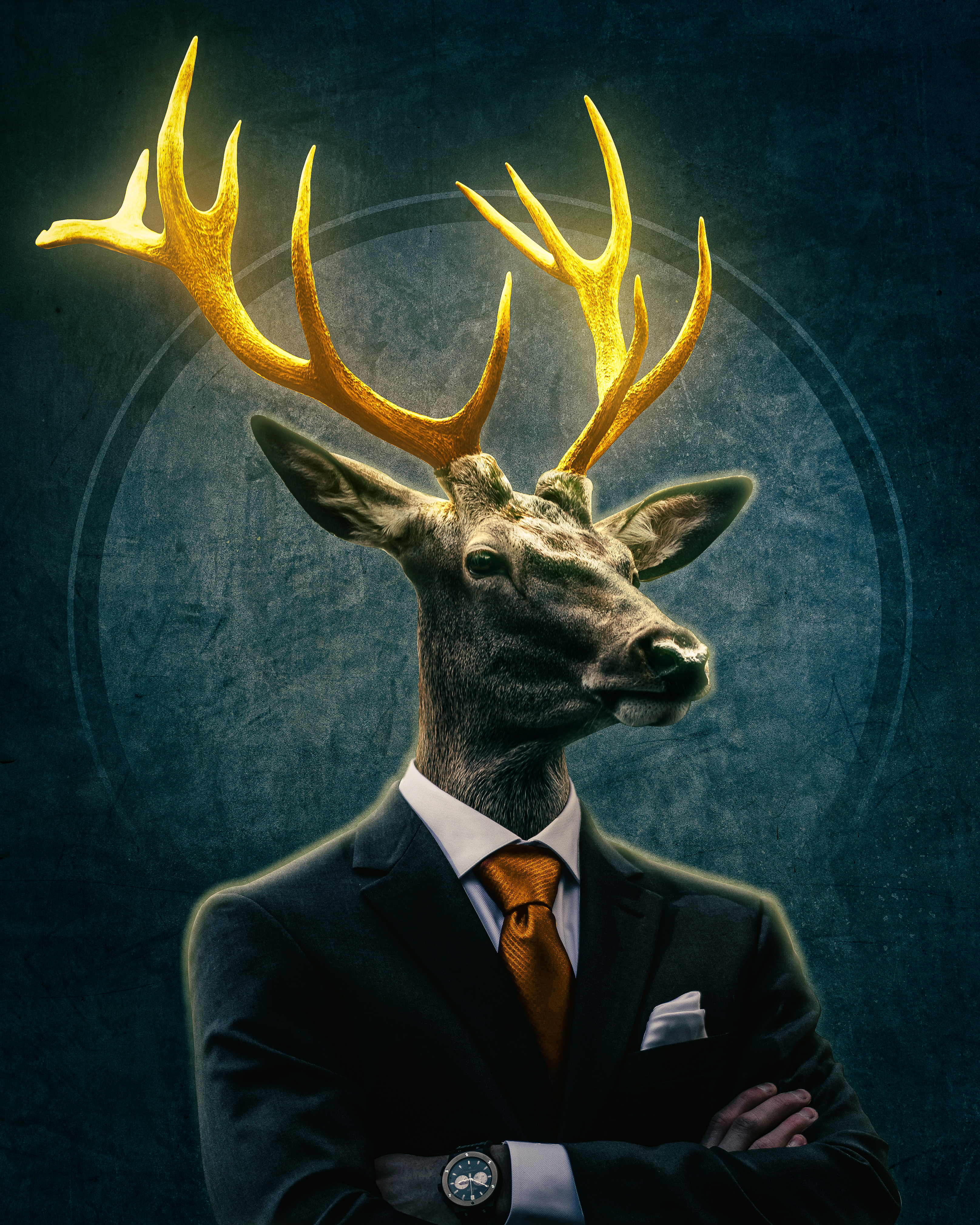
Part 4.2: The final task of this module 1 is to create an animal/human portrait in Photoshop. It was a bit complicated and time consuming, but I did it in the end. And here is my work 🙂
 AMA DEZIGN